
There are a variety of ways to find your review on Goodreads, but the easiest is to just go to your Goodreads profile page. If you aren’t sure how to find your profile, remember that you added it to the Manage Profile Links section of the app, so by going there you can find and click the link to your Goodreads profile to be taken to it directly.
From there, you should see your number of reviews on the top left, under your profile image.
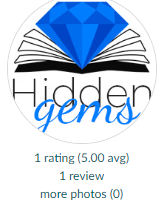
In the example above, it says 1 review but yours will say the number of reviews you have left. Click that line and you will be taken to a page that lists all of the reviews you’ve left. From there, simply find the row for your review of the book you’re looking for and click the “View” link at the far right of the row.
This will take you to a page that displays just your review.
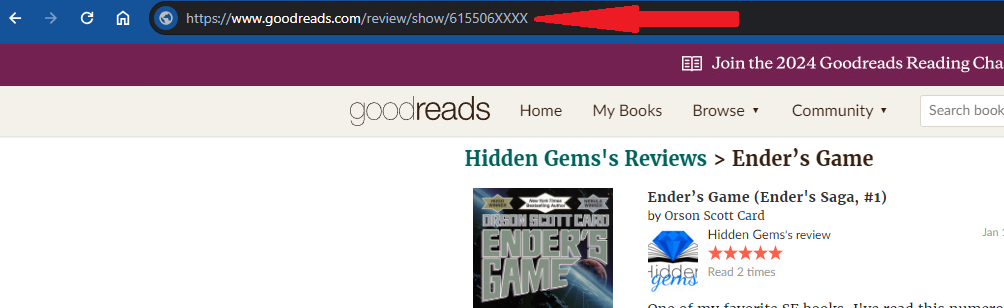
From there, simply click into the address bar at the top of your browser (as indicated by the red arrow) and highlight the URL. Then copy it and go to our reader form and paste it into the box asking for your Goodreads review link.